Give it a topic or an article link; get a finished vertical video with burned-in subtitles, a cover image and publish copy. Local-first — the free path costs $0 and 0 paid keys; when stock libraries come up empty, it paints a frame with a local model instead.
The UI never says "workflow" or "parameters" — each step answers exactly one question. The GUI ships with an English toggle (the EN button, or ?lang=en); engine log lines remain Chinese for now.
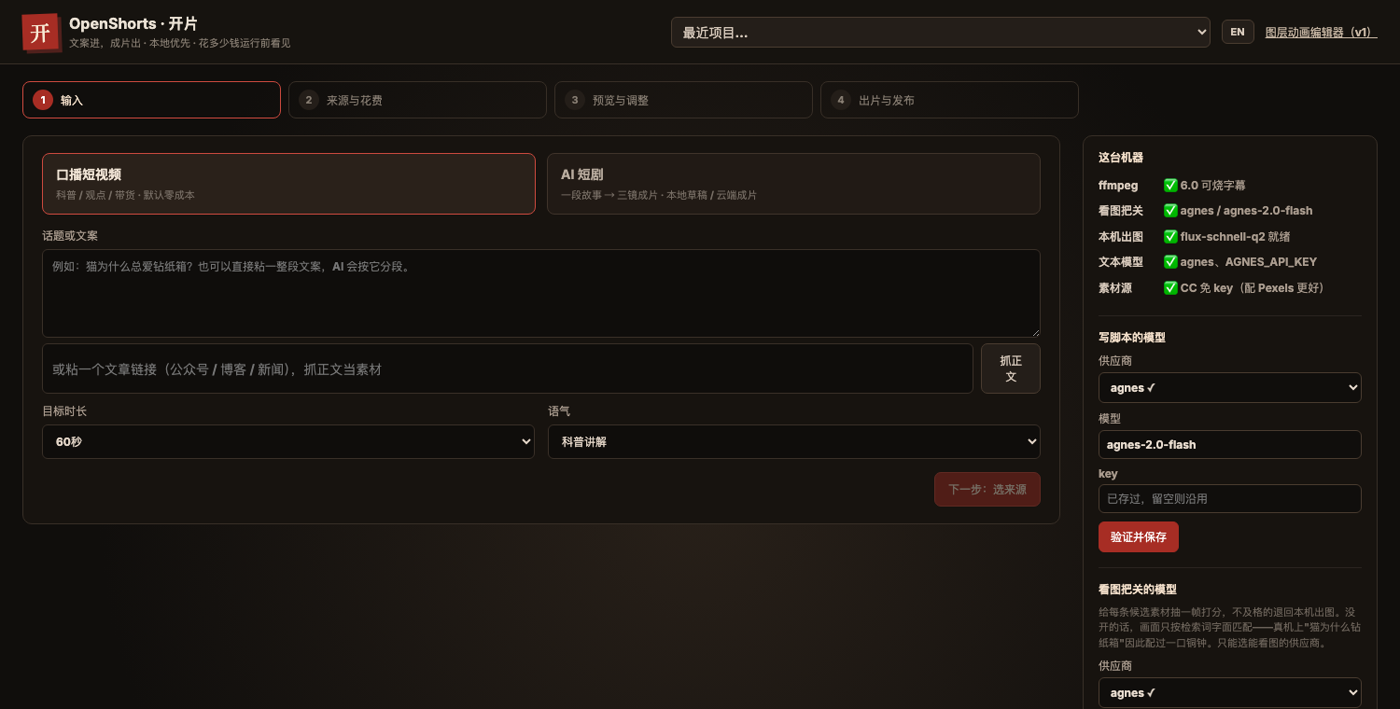
A topic, a passage, or an article URL; pick length and tone. AI drafts a shot-by-shot script.
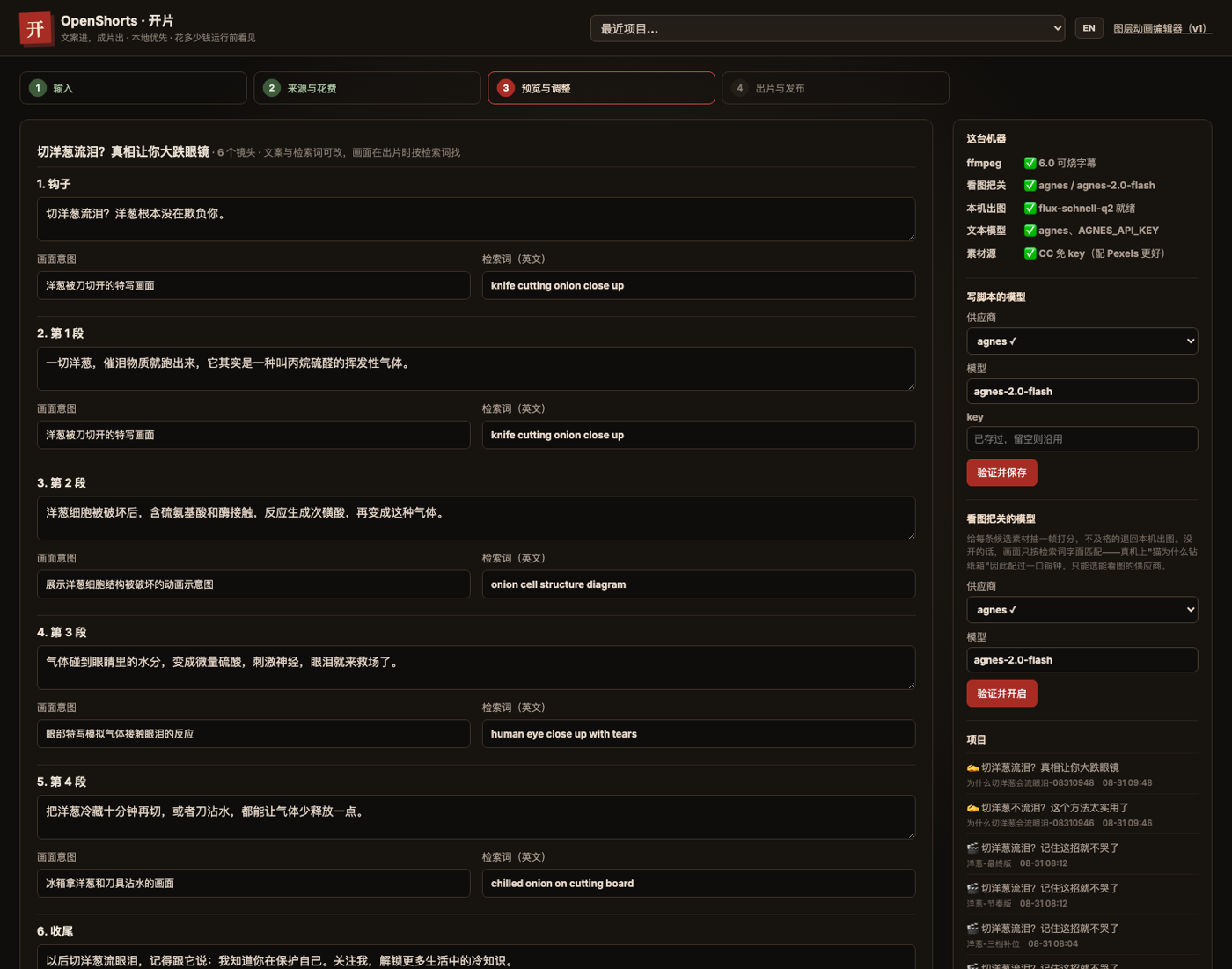
Narration text, visual intent and search query all laid out — change any of them, and only that shot is redone.
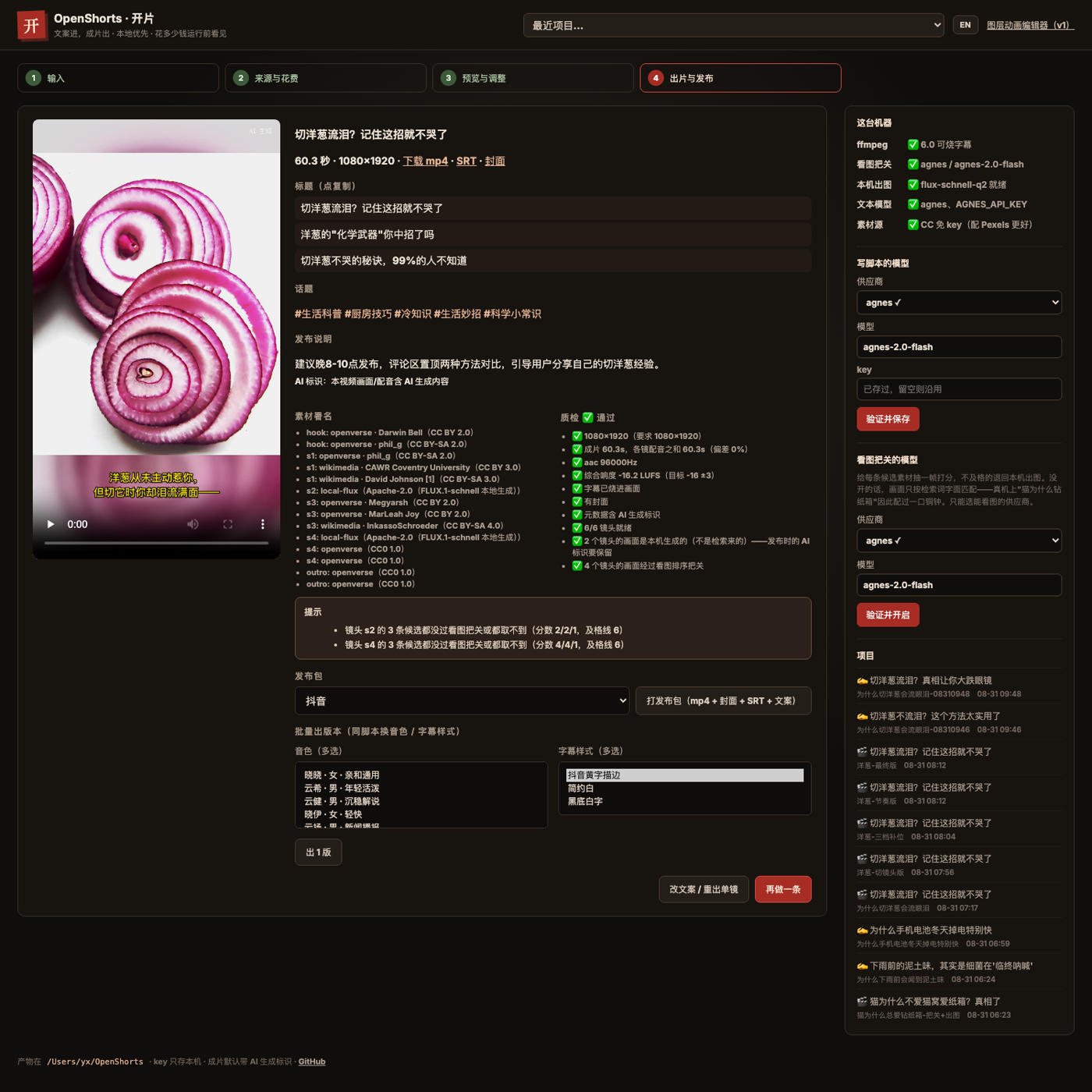
Voice-over, footage, burned subtitles, compositing, itemized QC; export mp4 + cover + SRT + publish copy with per-clip attribution.
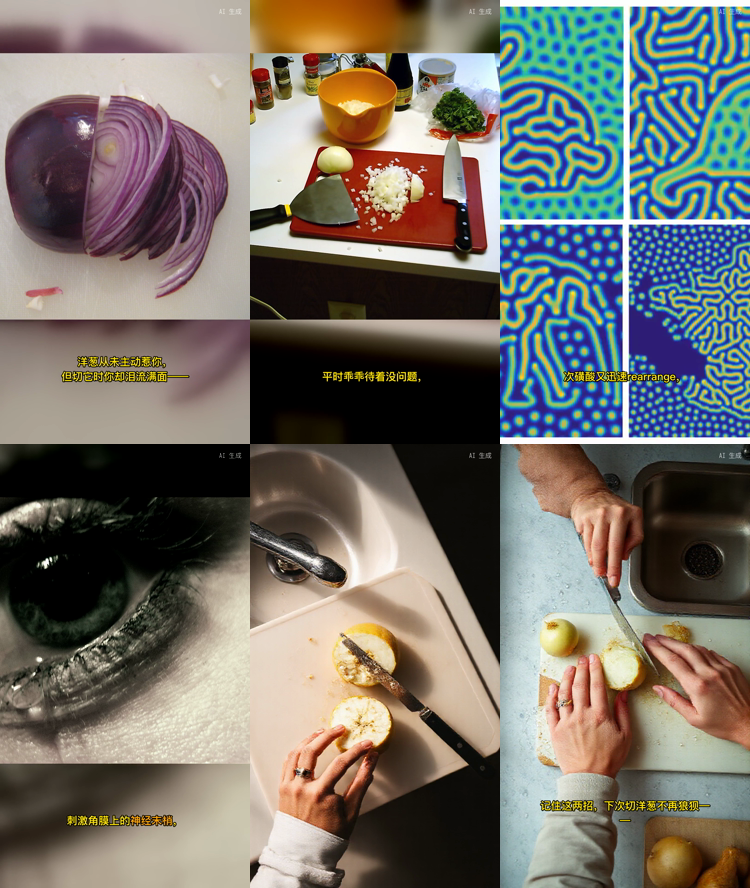
Same engine (agency-orchestrator), two ways in.
Script → Edge TTS voice-over → CC stock footage → burned subtitles → QC. No paid key anywhere in the chain.
A story → 3-shot screenplay → character sheet → image-to-video ×3 → vision acceptance → composite.
Every clip below was actually generated by OpenShorts; project JSON and full case studies live in the repo with source and model attribution.
Most text-to-video tools stop at "it generated something." OpenShorts cares about what happens after you hit publish.
| Question | OpenShorts' answer |
|---|---|
| Stock library has nothing? | Paint a frame locally (free, offline) instead of shoving in unrelated footage — no "wasp eating cat food" in your cat explainer |
| Who reviews the visuals? | A vision model scores every candidate 0–10 (≥6 leads, 4–5 fills, <4 rejected); unjudged footage never ships |
| Who owns output quality? | Itemized QC: resolution, duration drift, audio track, burned-in subtitles, loudness — a fail is a fail, exit code non-zero |
| Change one word, redo everything? | No. Fingerprint-level reuse: only the changed shot is redone; voice, footage and rendered segments are content-addressed |
| Can you account for the footage? | Per-shot source / author / license / page URL; attribution auto-appended to publish copy; AI-generated frames labeled |
| Will it even install? | One-command ffmpeg (with libass) and local model installs; 3-OS CI; errors speak plainly and name the next command |
Requires Node ≥ 20. ffmpeg and the local image model are one-command installs afterwards.
# Install (or grab the bundle from GitHub Releases) git clone https://github.com/jnMetaCode/openshorts.git cd openshorts && npm install # Open the GUI (recommended): four steps to a video npm run openshorts # → http://127.0.0.1:4174
# Or three CLI steps (run inside the cloned repo) npx openshorts new --lang en --topic "Why is the sky blue" npx openshorts run ~/OpenShorts/<project>/project.json npx openshorts export ~/OpenShorts/<project>/project.json # Subtitles won't burn in? Install ffmpeg with libass: npx openshorts install-ffmpeg
Script writing needs one text-model key (DeepSeek / Kimi / GLM / …— configure once, shared with the engine). Visuals and voice-over are free on the default path. See the README for the drama pipeline and local image generation.